
Install Kubernetes Multi-cluster Management Platform - Kuboard v4
A Note for Kuboard v3 Users
Compatibility
- Kuboard v4 uses a different technical architecture than Kuboard v3 and cannot be upgraded directly from Kuboard v3.
- You can import the same cluster into both Kuboard v3 and Kuboard v4. Both versions can manage the cluster effectively.
- If the cluster has the same name in v3 and v4, Kuboard add-ons are not affected and keep working in both.
Key differences between Kuboard v4 and v3:
- Supported Kubernetes versions:
- v3 supports Kubernetes 1.13 - 1.33
- v4 supports Kubernetes 1.15 - 1.34 (continuously tracking the latest Kubernetes releases)
- Cluster scale
- v3 suits small / medium clusters
- v4 supports ultra-large-scale Kubernetes clusters; see the full-sync performance benchmark
- User experience
- Kuboard v4 covers all the major features of v3
- Kuboard v4 is compatible with the major v3 add-ons
- Kuboard v4 caches common Kubernetes objects locally with fuzzy search for much faster retrieval
- Kuboard v4 shows objects across clusters and namespaces in a single list
- Kuboard v4 ships a cleaner, clearer authorization model
- Architecture
- Tech stack:
- Kuboard v3: vue 2.7 + golang 1.18 + etcd 3.4
- Kuboard v4: vue 3.5 + java 1.17 + MySQL/MariaDB/PostgreSQL (pick any one)
- Kuboard v4 supports high-availability deployment
- Kuboard v4 exposes a richer API for you to call
- Tech stack:
Prerequisites
Kuboard v4 uses a database for storage. Supported databases:
- MySQL >= 5.7
- MariaDB >= 8.0
- OpenGauss >= 3.0
You can also follow the Quick Start to spin up a Kuboard instance with docker compose for testing.
Prepare and Start Kuboard
Choose the tab that matches your database type; each tab contains two steps — Prepare the Database and Start Kuboard:
Prepare the Database
Create the database and user in MySQL:
CREATE DATABASE kuboard DEFAULT CHARACTER SET = 'utf8mb4' DEFAULT COLLATE = 'utf8mb4_unicode_ci';
create user 'kuboard'@'%' identified by 'Kuboard123';
grant all privileges on kuboard.* to 'kuboard'@'%';
FLUSH PRIVILEGES;Start Kuboard
Start the Kuboard container with docker run:
docker run -d \
  --restart=unless-stopped \
  --name=kuboard \
  -p 80:80/tcp \
  -e TZ="Asia/Shanghai" \
  -e DB_DRIVER=com.mysql.cj.jdbc.Driver \
  -e DB_URL="jdbc:mysql://10.99.0.8:3306/kuboard?serverTimezone=Asia/Shanghai" \
  -e DB_USERNAME=kuboard \
  -e DB_PASSWORD=Kuboard123 \
  -v ./kuboard-log:/app/logs \
  swr.cn-east-2.myhuaweicloud.com/kuboard/kuboard:v4
# eipwork/kuboard:v4Parameter reference
TZsets the JDK timezone.DB_DRIVERselects the JDBC driver:com.mysql.cj.jdbc.Driver,org.mariadb.jdbc.Driver, ororg.postgresql.Driver.DB_URLis the JDBC URL. Do not uselocalhost; point directly at the database IP (e.g.10.99.0.8in the examples above). It must match the database created in the previous step — usually you only need to replace the IP and port.DB_USERNAMEmust match the database user created in the previous step.DB_PASSWORDmust match the database password created in the previous step.
Open the Kuboard UI
Open the Kuboard address in a browser, e.g.:
http://10.99.0.10/loginThe login page looks like this:
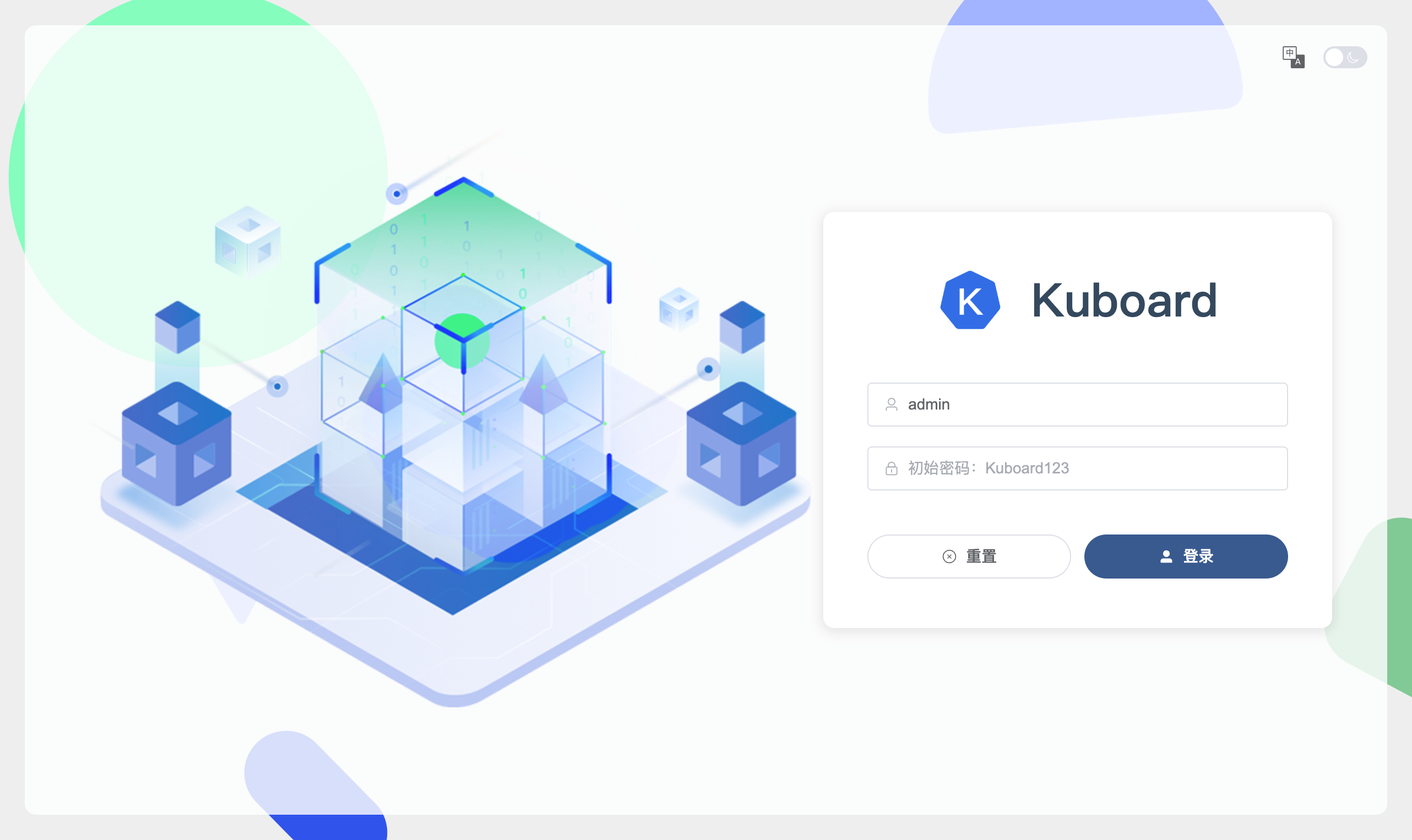
Log in:
- Administrator:
admin - Default password:
Kuboard123
You have finished installing Kuboard v4. Next, use the UI to:
- Change the
adminpassword - Create users and grant authorizations
- Import your Kubernetes cluster
- Administrator:
Integrate an External User Repository
Kuboard v4 integrates with external user repositories (e.g. LDAP) through a webhook interface. See https://github.com/eip-work/kuboard-v4-ldap-example
Reverse Proxy and HTTPS
Kuboard uses plain HTTP by default so that you can try it quickly. In production, always enable HTTPS. The recommended approaches are:
- Configure a Kubernetes Ingress in front of Kuboard and terminate TLS there
- Or use your own Nginx server as a reverse proxy and terminate TLS on Nginx
Please note:
- WebContextRoot — Kuboard must be served from the root path (e.g.
https://kuboard.yourcompany.com/). Sub-paths likehttps://yourcompany.com/kuboard/are not supported. - WebSocket — the terminal and log features rely on WebSocket. Your reverse proxy must allow WebSocket upgrades, otherwise those features will not work.
See Reverse Proxy for complete Nginx and Ingress configuration examples.
High Availability Deployment
Kuboard V4 supports multi-replica HA deployment: multiple Kuboard instances form a service cluster behind a load balancer, sharing cross-instance state through a Redis distributed cache. For the full details — deployment topology, Redis environment variables, database HA recommendations, and failover behavior — see High Availability Deployment.